1
Buy a travel eSIM.
✓For most trips it's the easiest option: buy online, install before you fly, and land already connected.
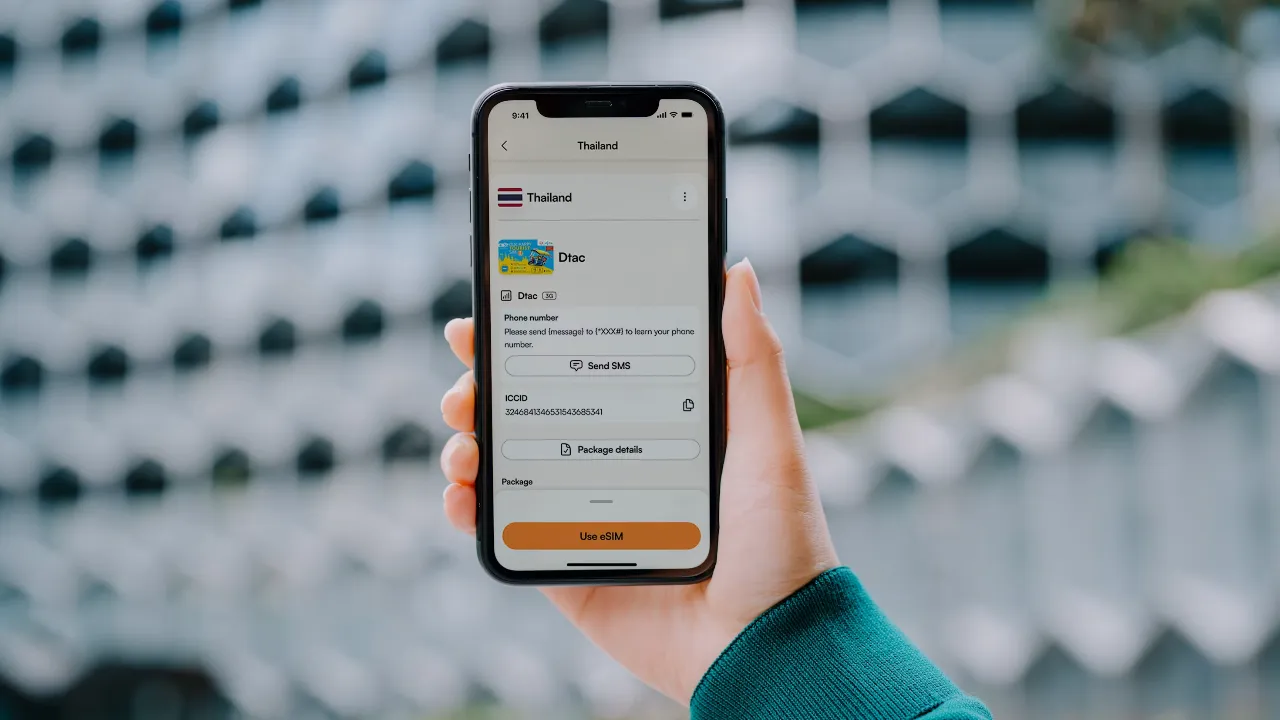
An eSIM lets you install a mobile plan digitally instead of swapping a physical SIM card. You buy a plan for wherever you're going, scan a QR code, and your phone connects to a local network when you arrive. Your normal SIM stays in the phone the whole time, so your home number keeps working for calls, texts, and the codes your bank sends.
Your phone needs to support eSIM and be carrier-unlocked. Most phones from the last few years qualify, though a cheap Android can still miss it, and the next step shows how to check.
Your phone needs to support eSIM and be carrier-unlocked. Most phones from the last few years qualify, though a cheap Android can still miss it, and the next step shows how to check.